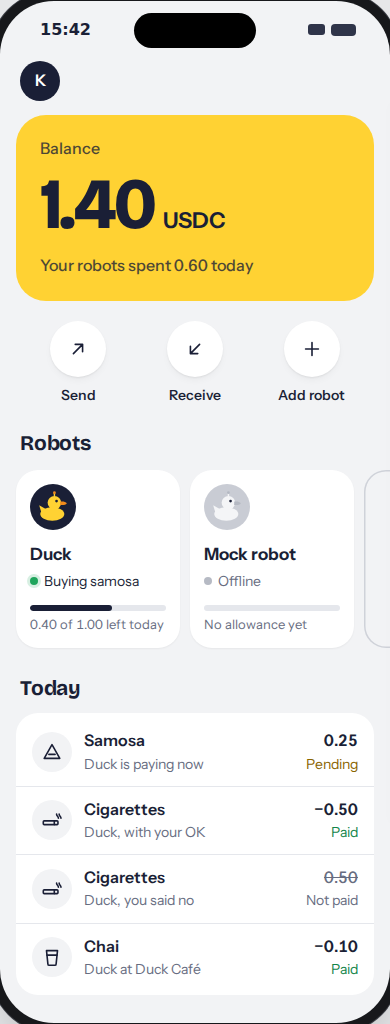
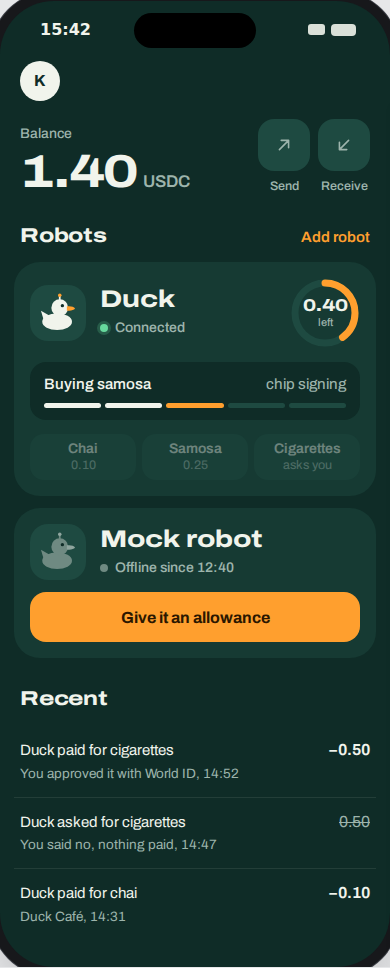
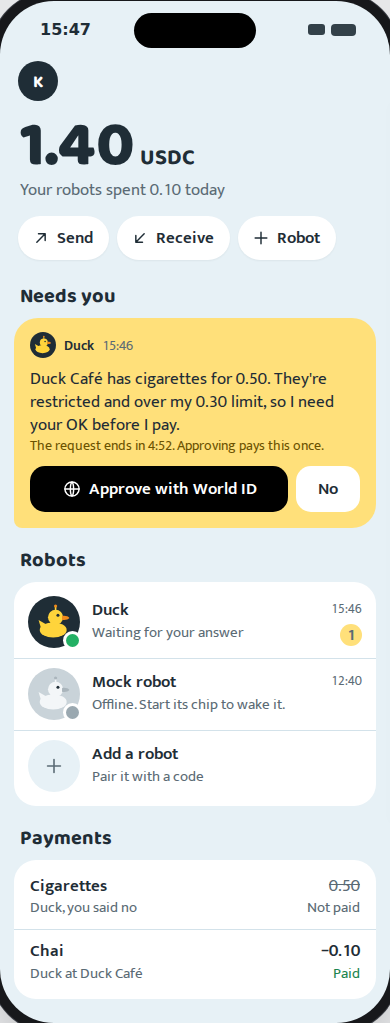
Vitaquack wallet: three directions to choose from
Each direction is a complete wallet: balance, Send, Receive, your robots with their allowance, activity, adding a
robot, a robot's own page and the approval. They use the same real data (your 1.40 USDC, Duck's 1.00-a-day
allowance, today's chai and cigarettes) and the same flows, so you can also mix them, for example B's home with
A's robot page. Pick one, or name the parts you want from each.
The same in every variant
/ becomes the landing page (we design it next). The wallet lives at /wallet; signed out, it shows "Create wallet with passkey" and "Sign in".- The Robots page and the top navigation go away; robots live on the wallet home.
- The language dropdown moves into the profile sheet (behind the avatar). All five catalogs stay.
- Plain words: allowance instead of grant, Stop instead of revoke, Connected instead of lease, Show proof for the Arc transaction and the 0G ids.
- The approval page becomes a sheet or full screen. Its URL stays, because World redirects back to it.
The camera
No live video, by design: "no camera frames leave the chip" is a product rule, and the pitch builds on it.
The mocks show what the robot reads instead: the merchant, item, price and the invoice QR, drawn from the
invoice URL. Today that is the invoice the errand pays. Once the Radxa scans QR codes, it is what the camera
decoded.
The tags under each screen
green works with today's API. yellow needs a
small server or frontend change. red needs new backend work. The only red one is
Send.